Your New Favourite Philippines
Travel App
Turn your Philippines adventure into a beautiful TripBook. Document lagoons, track your island hopping, capture every underwater discovery—all organized by day and location, with offline mode for remote islands.
.webp&w=96&q=75)
Island hopping
El Nido → Coron → Siargao
2,847 photos
Auto-organized by day
Works offline
Perfect for remote islands
Lagoon journal
Every kayak adventure
The Philippines Photo Problem
2 Weeks in the Philippines, 3,000+ Photos
Every lagoon is turquoise. Every island is paradise. Every dive is spectacular. You come home with chaos.
Lagoon Overload
Was that Big Lagoon or Small Lagoon? Which day was Secret Beach? All limestone cliffs blur together.
Lost Dive Sites
That incredible coral garden... was it in Coron or Apo Island? You'll never find it again.
Island Chaos
El Nido, Siargao, Cebu, Bohol—your camera roll is a jumbled mess of tropical paradise.
No Time to Organize
You're too busy island hopping to sort photos. Back home, it feels overwhelming.
TripMemo organizes your Philippines trip automatically.
Day by day. Island by island. Every lagoon, dive, and moment—findable forever.
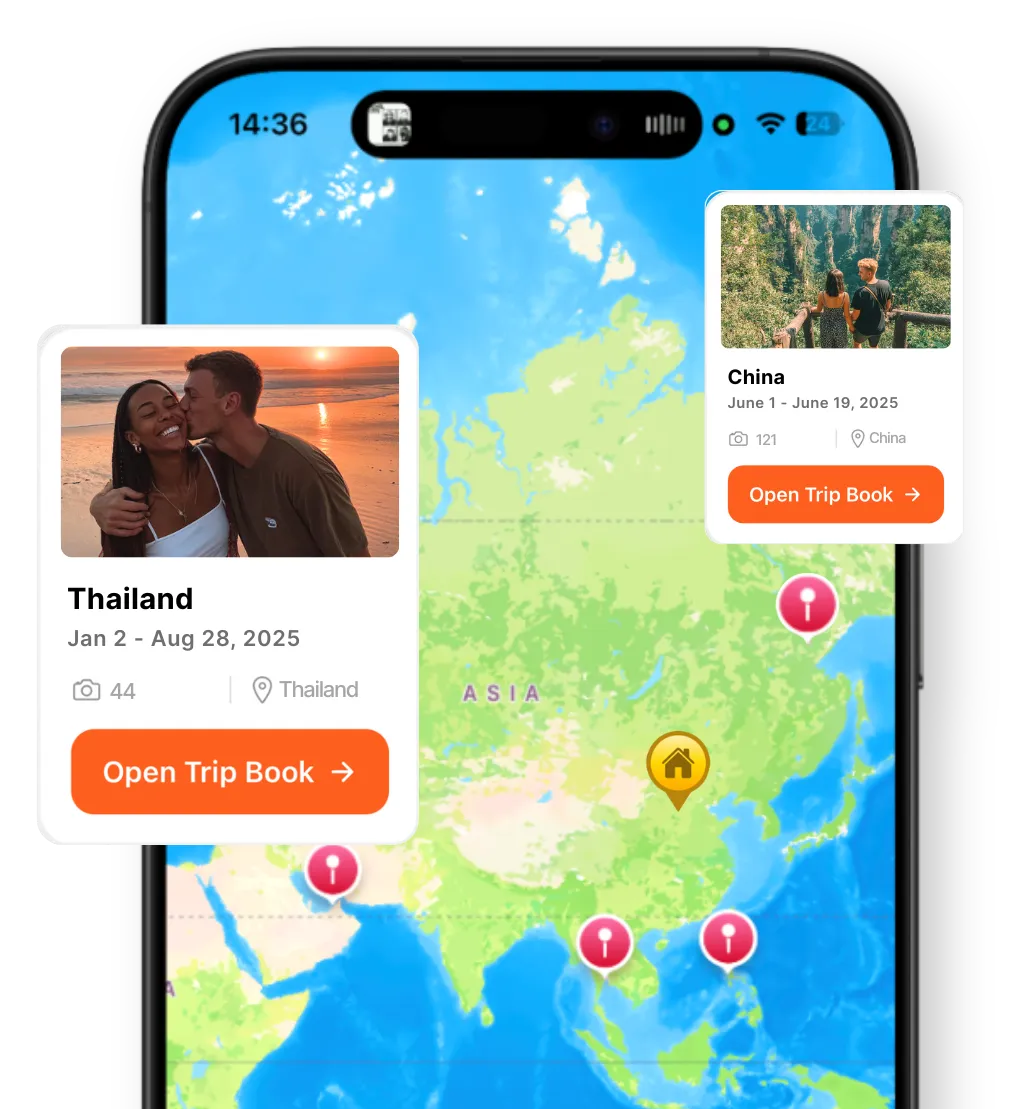
Map-first journaling
Your Philippines trip, pinned where it happened
A great Philippines travel journal isn't just chronological—it's geographic. TripMemo ties your lagoon kayaking, island discoveries, and dive sites to the map, so your journey across the Philippines clicks instantly.
- Pin lagoons, dive sites, and hidden beaches as you go
- See your entire Philippines route at a glance
- Share your map with family following from home
Built for Philippines Trips
Your Philippines TripBook, Effortless
Every Day Becomes a Page



Your Journey, Pinned

Works Offline
Remote islands have limited wifi. Document beaches, boats, and lagoon adventures—syncs when you're back online.
No Connection
24 photos saved locally
Bulk Upload 300 Photos
Island hopping days mean hundreds of photos. Add up to 300 at once—auto-organized by date & location.
Share with Family
Generate a private link for your Philippines TripBook. Family follows your journey without downloading an app.
Share your book
tripmemo.app/view/philippines-2025
Dive & Snorkel Log Built-In
Every dive site, coral garden, whale shark encounter, and shipwreck exploration. Add notes about what you saw and where. Build your own Philippines diving map.
Whale Sharks
Oslob
Wreck Diving
Coron
Coral Gardens
Apo Island
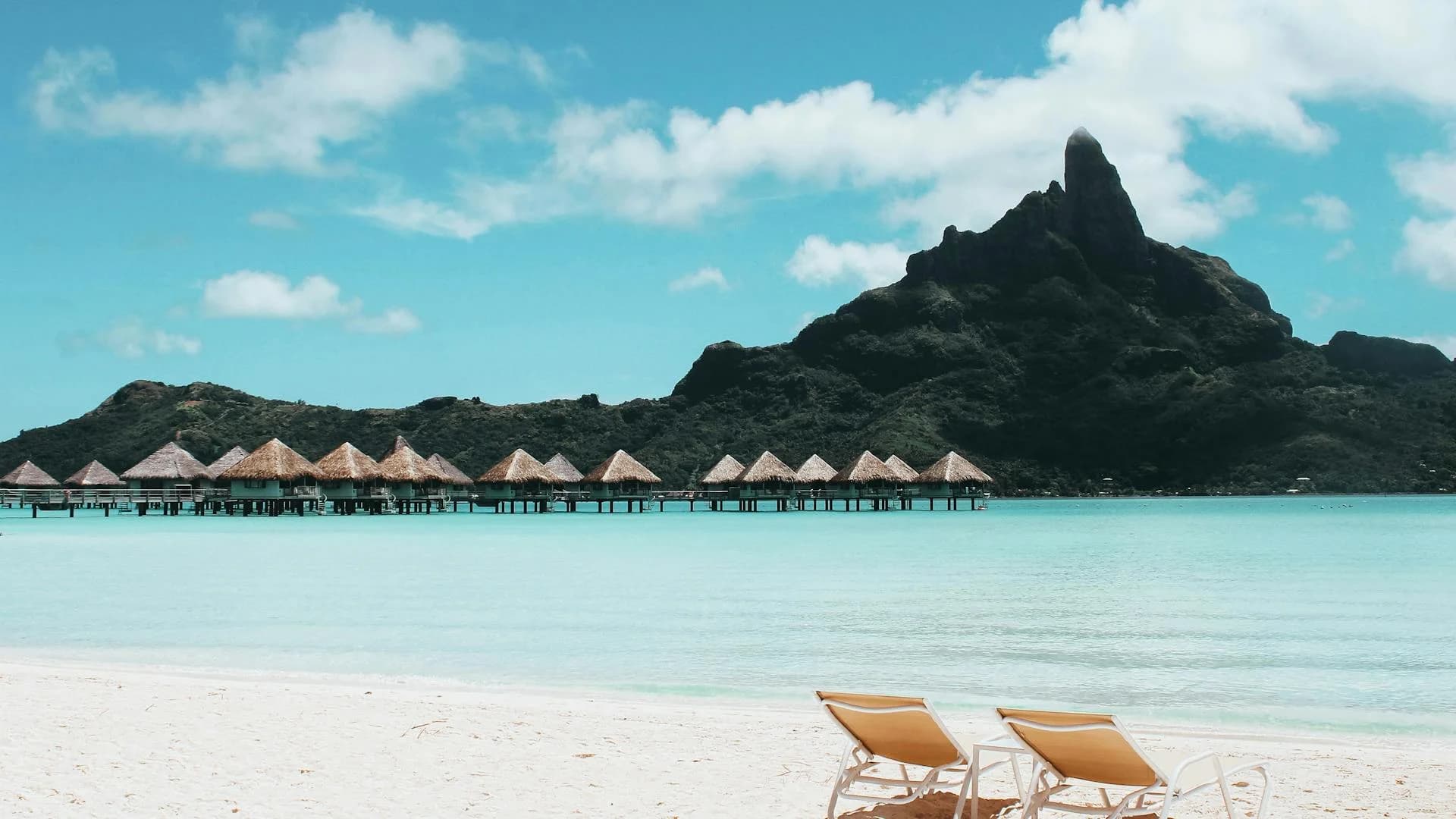
Experience Philippines
Every Moment Treasured
Every lagoon, every island sunset, every underwater adventure—TripMemo captured the magic of the Philippines.
7,641
Islands
500+
Dive Sites
81
Provinces
365
Days of Sun
"Every lagoon, every island sunset, every dive—TripMemo captured the magic of the Philippines. Looking back feels like being there again."
— Sarah L., 3-week Philippines island hopping
Philippines Routes
Document Your Route
Whether you're exploring Palawan lagoons or island hopping the Visayas, TripMemo captures every stop.
Palawan Paradise
Lagoons & shipwrecks
Classic Visayas
Beaches & whale sharks
Surf & Adventure
World-class waves
Island Hopper
Full archipelago tour
Take TripMemo to Philippines
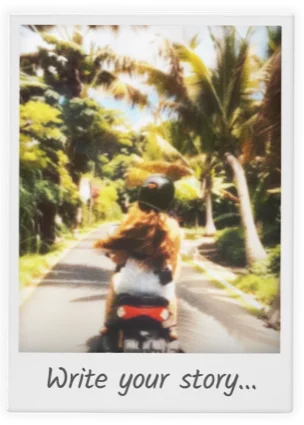
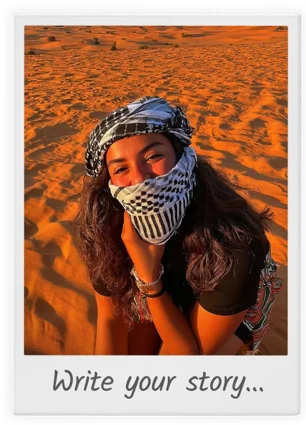
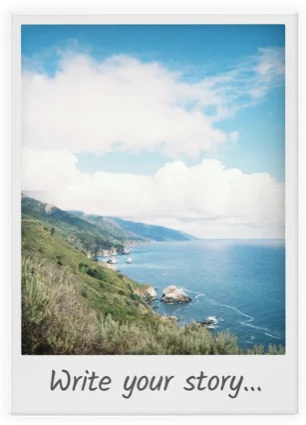
Every lagoon, island, and underwater moment—captured in beautiful Polaroid-style layouts.







What to Document
Philippines Photo Opportunities
El Nido Lagoons
Big Lagoon, Small Lagoon, Hidden Beach, Secret Lagoon
Tip: Morning light in lagoons is magical
Underwater World
Tubbataha Reef, Apo Island, Coron wrecks, whale sharks
Tip: Waterproof case essential for diving shots
Beach Paradise
White Beach Boracay, Nacpan Beach, Sugba Lagoon
Tip: Golden hour on white sand is unbeatable
Island Hopping
Bangka boats, island tours, hidden coves, secret beaches
Tip: Capture the journey between islands
Natural Wonders
Chocolate Hills, Taal Volcano, rice terraces, waterfalls
Tip: Dry season for Chocolate Hills' brown color
Surf Culture
Cloud 9, surf lessons, island vibes, beach life
Tip: Early morning sessions have best light
Perfect for Every Philippines Traveler
Couples & Honeymoons
Both partners contribute to one shared Philippines TripBook
Couples Travel App →"Three weeks in the Philippines, 4,200+ photos, and TripMemo kept everything organized by island and day. My parents followed along from home and could actually see our journey unfold. Best way to document a Philippines trip."
Emma K.
First Philippines trip • Palawan to Siargao
Philippines Travel Journal FAQ
Does TripMemo work offline on Philippine islands?
Can I organize photos from multiple islands in the Philippines?
How do I document island hopping in the Philippines?
Is TripMemo good for backpackers in the Philippines?
Can I share my Philippines trip with family back home?
How do I keep track of all the islands I visit in the Philippines?
What's the best app for a gap year in the Philippines?
Can I add dive sites and snorkeling locations to my TripBook?
What makes TripMemo different from Google Photos for a Philippines trip?
Can both people document a couples trip to the Philippines?
Ready to Document Your Philippines Adventure?
From turquoise lagoons in El Nido to crystal waters in Siargao—create a TripBook that captures every moment.

%20copy%202.webp&w=384&q=75)
%20copy%203.webp&w=384&q=75)

Your trips deserve
more than a camera roll
Turn travel photos into books you'll actually look back on.